


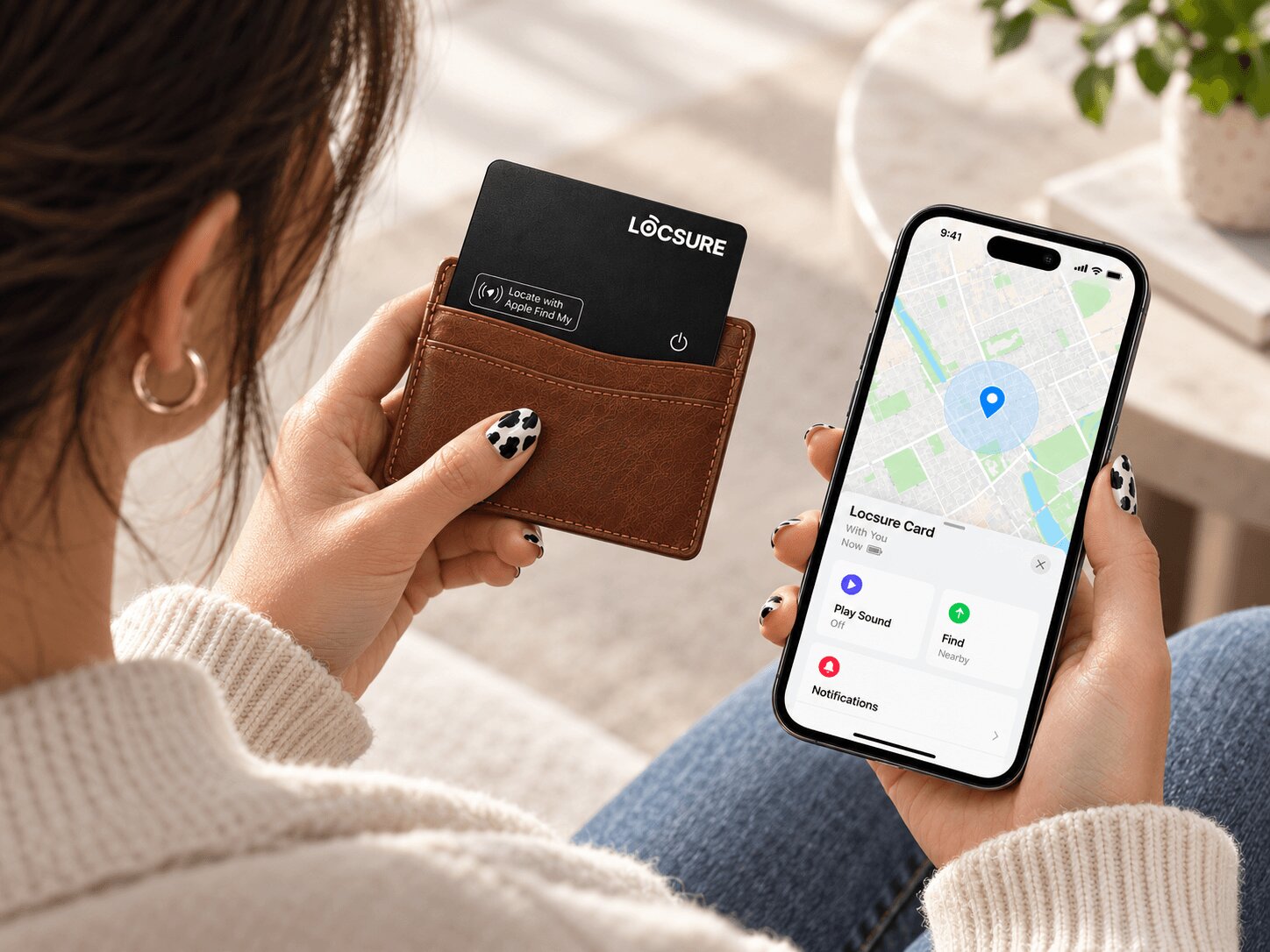
Never lose your wallet.
A slim tracking card that works with Apple Find My.
Slide it into your wallet. Find it anytime, anywhere.

Works with Apple Find My
Apple Find My Certified (MFi)
Separation Alerts
One card. Total peace of mind.
1.6 mm Thick
Wallet-friendly design
Up to 5 Months
Per full charge
Separation Alerts
Get notified if left behind
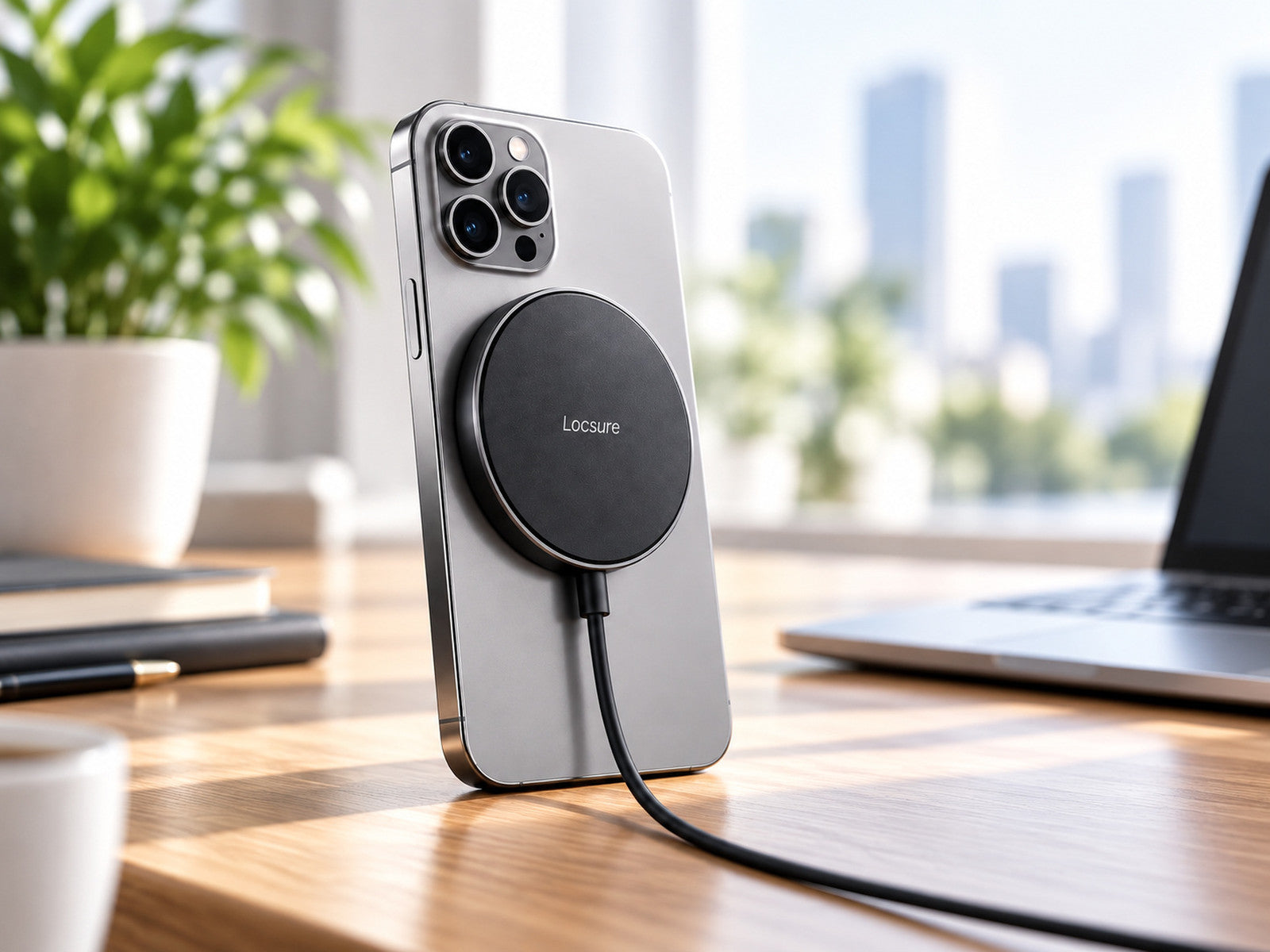
Wireless Charging
MagSafe compatible
How it works.


1
Open Find My
Open the Find My app on your iPhone.
2
Add item
Go to Items → + → Add Other Item.
3
You're all set
Follow the steps and your card is ready to track.
One card. Multiple spots.
Track, don't guess.

Wallet
The one you use every day.

Passport Holder
Extra confidence while travelling.

Bag
Keep track of what goes with you.

Laptop Sleeve
Slim enough to tuck away.

LOCSURE TRACKING CARD
- 1.6 mm thin
- Fits naturally in wallet
- Wireless rechargeable
- Separation alerts
VS

TRADITIONAL TRACKER
- Bulkier shape
- Awkward in wallets
- Replaceable battery
- No separation alerts
Your wallet is worth keeping track of.
Slim. Smart. Reliable.
Designed to last.

Free shipping over 75€
On all orders
30-day returns
Hassle-free returns
2-year warranty
Coverage against manufacturing defects